
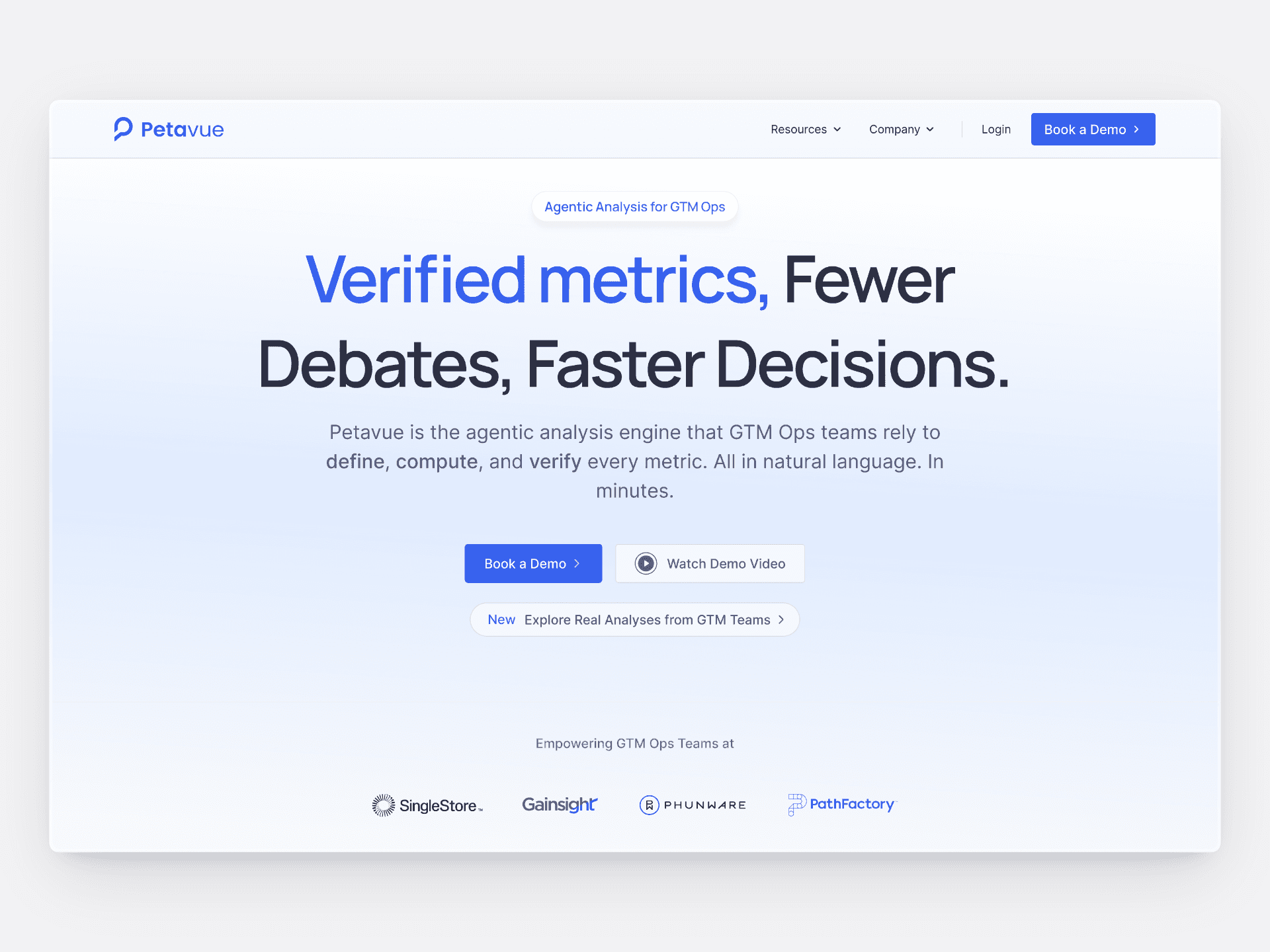
During my time at Petavue, I was given opportunity to own our company website design and development. The site was built on webflow and was already up and running. What was expected from me was to continue the work on messaging and new pages in the pipeline.
Services
Website Design
Development
Motion Design
SaaS, GTM, AI Data Analytics
2025-26
Tech Stack
Webflow
Figma

Jitter
Finsweet Attributes
Airtable

Whalesync
Semrush
The Mission
Redesign and rebuild the Petavue marketing website with updated messaging, a refreshed visual direction, and thoughtful use of motion.
At the same time, move the entire website workflow in-house so the team could iterate faster without relying on external vendors.
Overview
During my first year at Petavue, most of my work was focused on the core B2B product. I was designing data-heavy interfaces, dashboards, and workflows for a complex analytics platform.
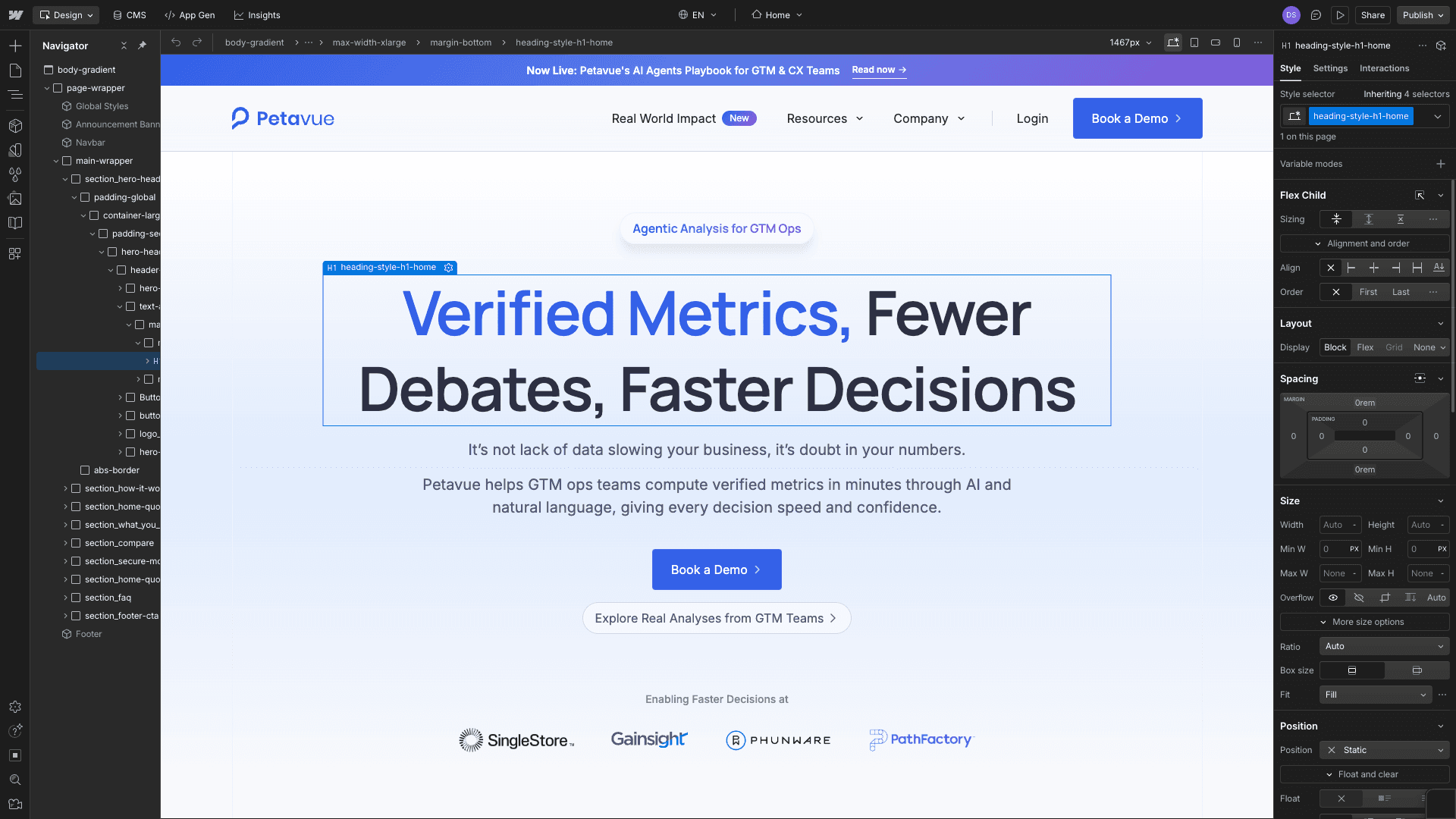
As the product matured, the marketing website became more important. We needed clearer positioning, better storytelling, and the ability to ship content quickly. This led to the decision to redesign and rebuild the website internally, and I took ownership of that effort using Webflow.
My role included:
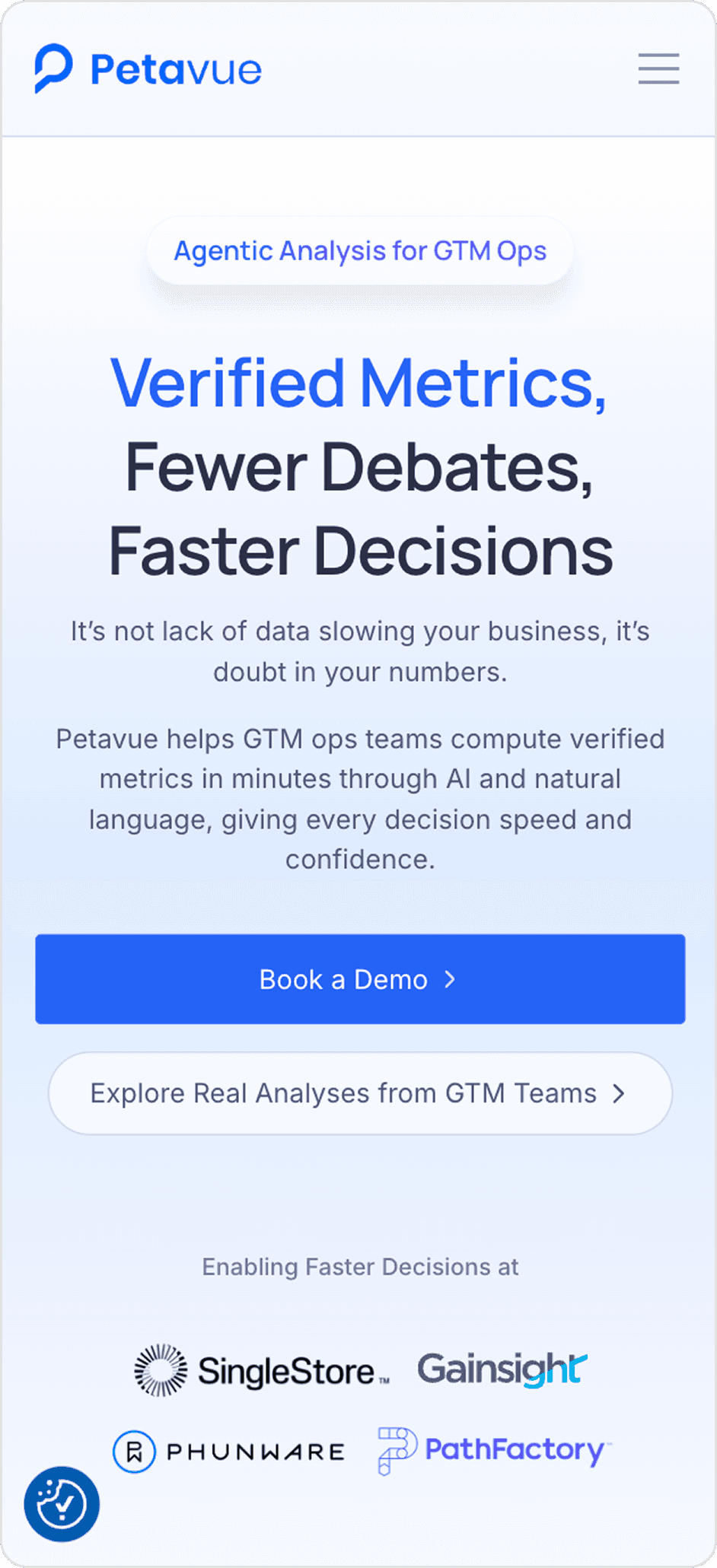
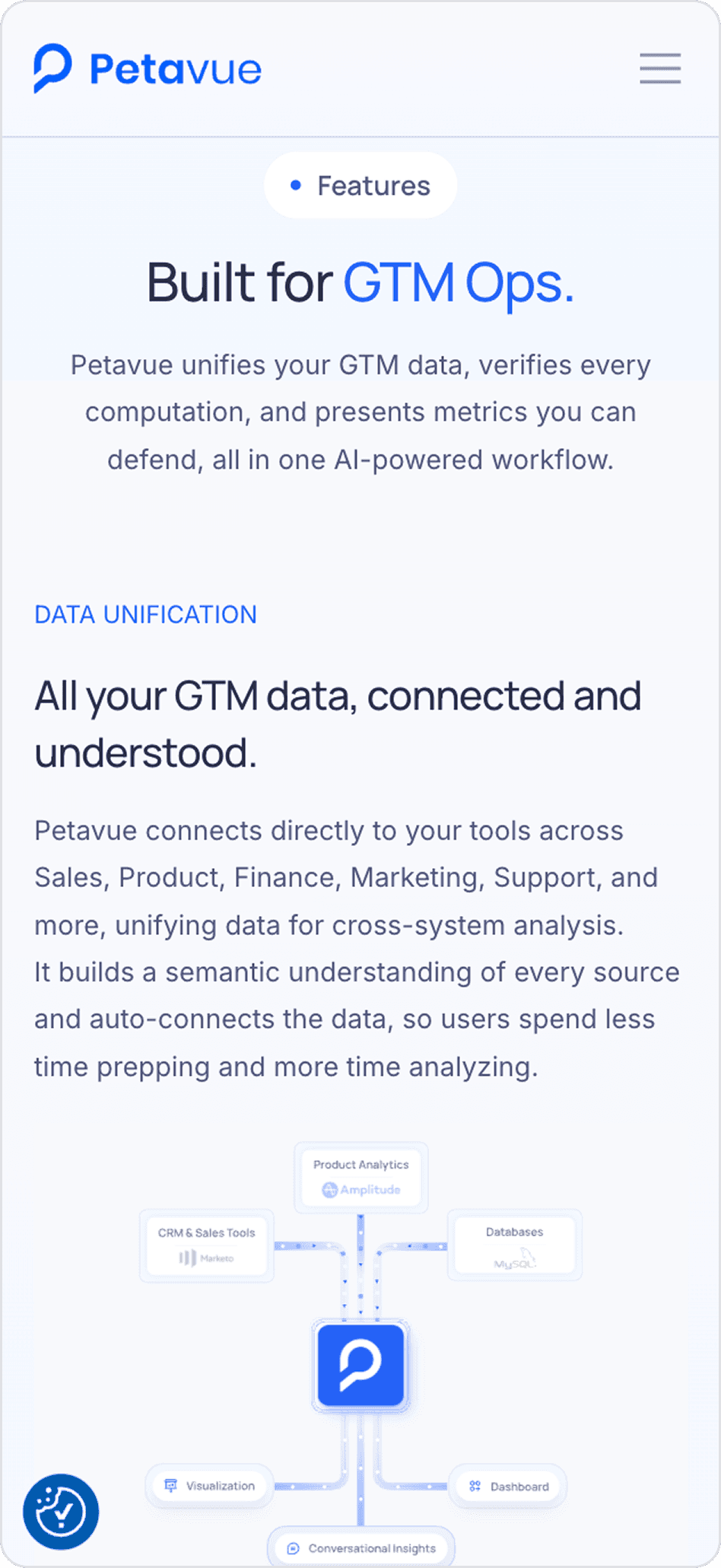
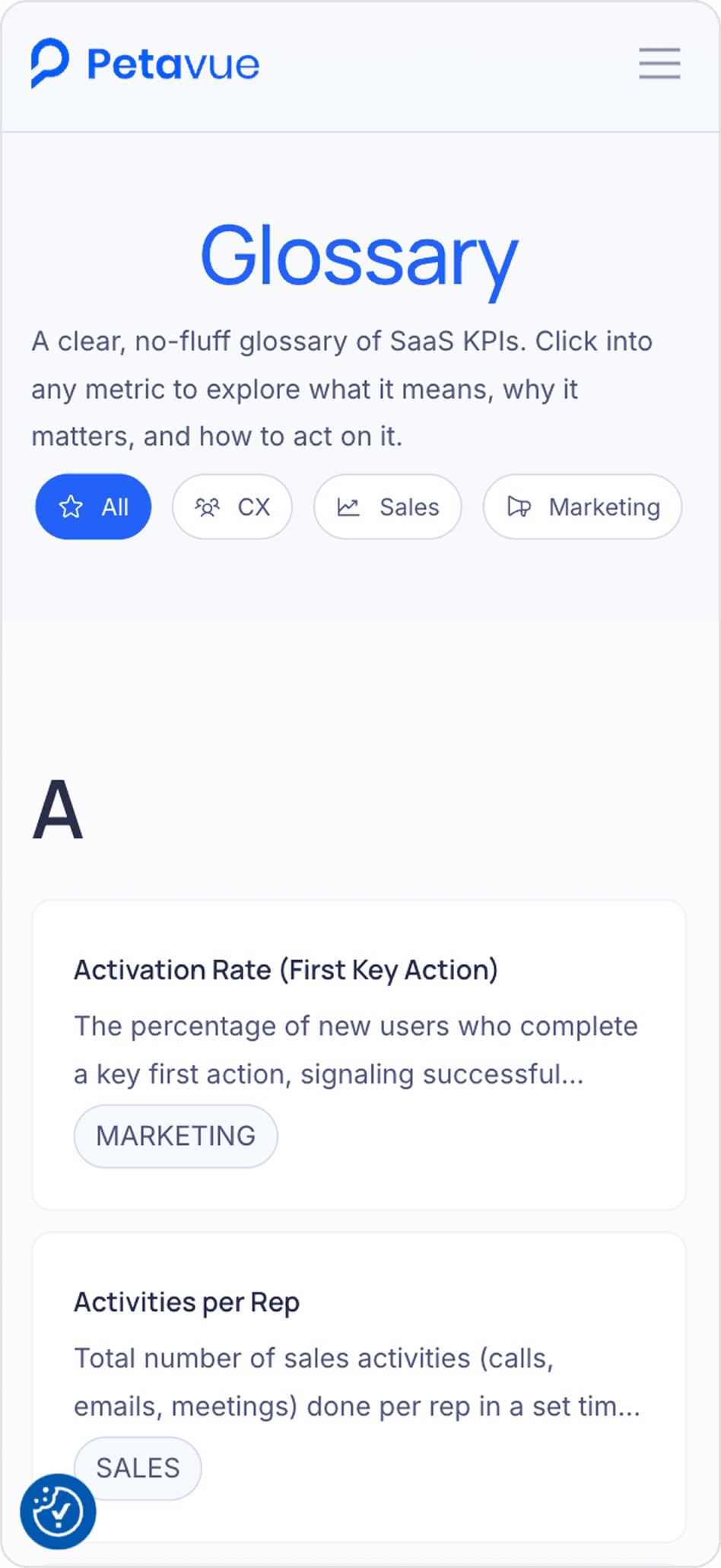
Redesigning key pages in Figma such as the homepage, Real World pages, resources, and glossary
Building responsive layouts in Webflow using reusable components
Creating CMS-driven sections for prompts, glossaries, blogs, and case studies
Why the Website Was Brought In-House
Before this change, the website was handled externally. While the final output was fine, the process was slow.
Simple changes like updating copy or adjusting layout spacing took multiple calls and several days. Design reviews moved slowly, and small fixes often felt heavier than they needed to be. This made it difficult for marketing to experiment or respond quickly.
Bringing the website in-house meant:
Faster iteration on messaging and layout
Direct control over design and build decisions
Less dependency on external timelines
What Was Limiting Before
Slow iteration cycles
High dependency on external teams
Design and build drifting apart over time
The goal was not only to refresh visuals, but to set up a system that worked better on a day-to-day basis.
Learning and Working With Webflow
The transition to Webflow was not immediate.
I had prior experience with Framer, which feels closer to Figma and allows design and layout to happen in one place. Webflow required a different mindset and a stronger understanding of layout structure, HTML, and CSS basics.
Here's how I learned Webflow:
I spent time on YouTube tutorials and community resources
Rebuilt the existing homepage from scratch
Learned by breaking and fixing layouts directly in Webflow
Once the fundamentals were clear, Webflow became predictable and much faster to work with.
Visual and Motion Design
Many marketing pages rely heavily on static sections and cards, which can feel flat when explaining complex products.
To address this, I introduced motion in small, controlled ways:
Subtle entrance animations for sections
Hover and interaction feedback on cards
Animated GIFs in hero sections to visually explain concepts
The goal was not to decorate the page, but to support clarity and guide attention.
Working Around Webflow’s Limitations
After building static pages, the larger challenge was handling content-heavy pages.
Webflow does not natively support advanced CMS filtering, search, or deep nesting of collections. Interactive components like tabs or carousels often require custom JavaScript, which is hard to maintain at scale.
While some early solutions used small scripts, this approach was not ideal long term.
I found Finsweet Attributes through Webflow communities and tutorials. This became a key part of the setup.
Using Finsweet, I was able to:
Add advanced filtering and search to CMS content
Create nested CMS layouts within Webflow’s limits
Build pages like the glossary, prompt library, and Real World use cases without custom JavaScript
This allowed the site to scale without adding unnecessary complexity.
SEO and Technical Improvements
In addition to design and build, I worked on improving the site’s technical foundation.
This included:
Using SEMrush to track and fix SEO issues
Improving page structure and metadata
Adding structured schemas for main pages, FAQs, and blog content
These changes helped improve search visibility and ensured the site followed basic SEO best practices.
Scaling Content and Reducing Dependencies
As content volume increased, I was also working on the product MVP. Manually adding and managing CMS entries in Webflow was not sustainable.
To solve this, I set up a workflow using Airtable and Whalesync.
How the workflow worked
Marketing managed content directly in Airtable
Structured fields mapped to Webflow CMS collections
Whalesync synced content automatically between Airtable and Webflow
This reduced the team’s dependency on me for adding or updating content and allowed new pages to go live faster.
Highlight: AI Data Analyst Playbook
One of the most impactful outcomes of this work was launching the Why You Should Hire an AI Data Analyst playbook.
Playbook link: https://www.petavue.com/resources/ai-agent-playbook/overview
This was a multi-week collaboration involving:
Head of Marketing
Growth Marketer
Lead Designer
The playbook was a three-part content series based on interviews with leaders across the B2B AI space.
My role included:
Designing and building the playbook experience in Webflow
Structuring CMS content for future additions
Creating supporting visuals for LinkedIn to promote the launch
Reflection
Owning the marketing website pushed me beyond designing individual screens.
I learned to think more in terms of systems, content workflows, and long-term maintainability. It also helped me get more comfortable balancing visual design with technical constraints and collaboration across teams.
This project played a key role in shaping how I approach product design today, with equal focus on experience, implementation, and scalability.
©2026 – Made by Piyush
1:45 PM